Setting up the HRM Module
1. Setting up Human Resources
Clicking on the Human Resources Setup menu in the Actions section opens the HR Setup by tabs.

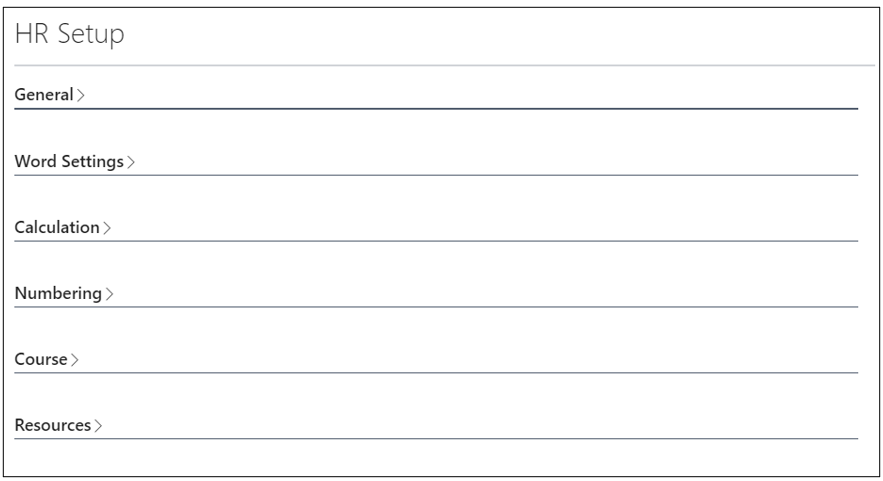
On the General tab, we set up the following: Unique Employee ID – if checked, the system will not allow us to create multiple records for an employee with the same ID, Version Tracking Organization – if checked, we have a history of the organizational structure and job positions, and accordingly, the entries of validity dates in the Organization and Job Positions directories are mandatory, Max. Labor Days – Determines the maximum number of vacation days, No. of Years for Labour Days Calculation – Determines the number of years for calculating years of service.
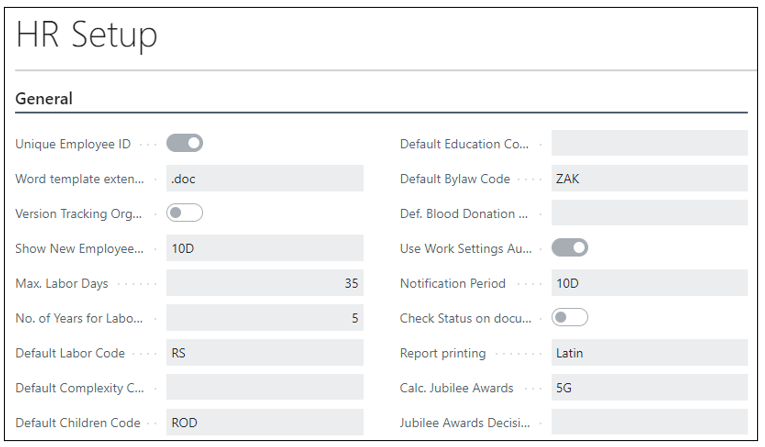
On the Word Settings, the default categories for setting employee Labor are set here.

On the Calculation tab, we set up the calendar that is used, which is the payroll calendar (in cases where the agreed salary is defined by a coefficient) and whether it is hourly or monthly, and we enter the default number of working hours.

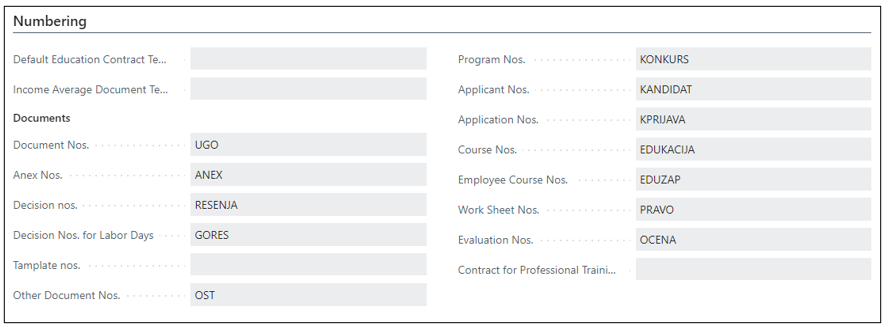
On the Numbering tab, we set numerical series for employees, for trainings and documents (Employment contract, Decision Nos. for Labor Days, Professional development contract, Applicant Nos., Course Nos, Evaluation Nos., Holiday solutions and internal documents for employees).
On the Course tab

On the Resdources

Need more help?