Employee Card Structure
1. Employee profile
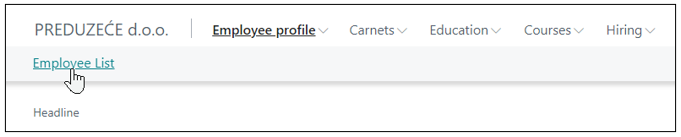
Clicking on the Employee List menu opens the employee list.
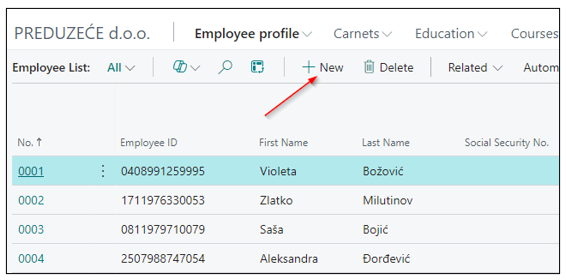
Clicking on the New icon opens a tab for entering a New Employee.
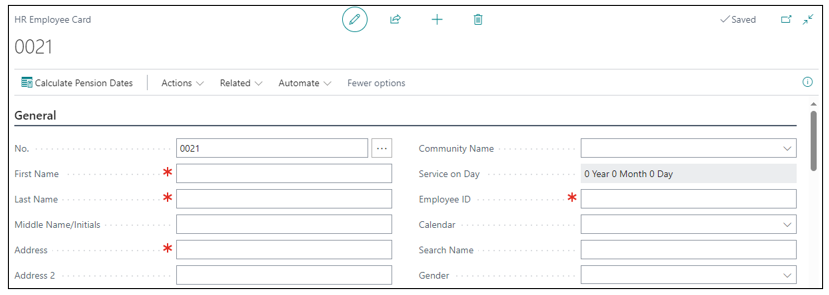
On the New HR Employee Card, fields marked with a red asterisk indicate that data entry for the same fields is required. If they are not filled in, activation of the employee is not possible.
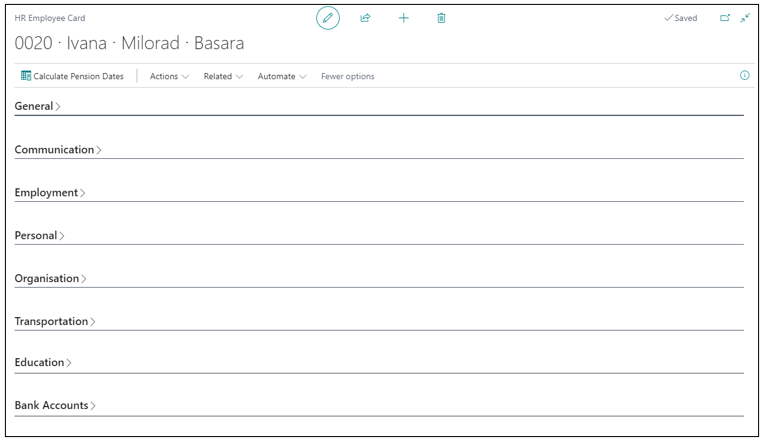
The employee card is divided into the following tabs, ie certain segments with grouped related information:
- General
- Communication
- Employment
- Personal
- Organization
- Health Status
- Transportation
- Education
- Bank Accounts
1.1. General tab
On the Human Resources Setup page, the Employee Numbers are configured. This is the first field that will auto-populate on the General tab if Employee Numbers are configured.
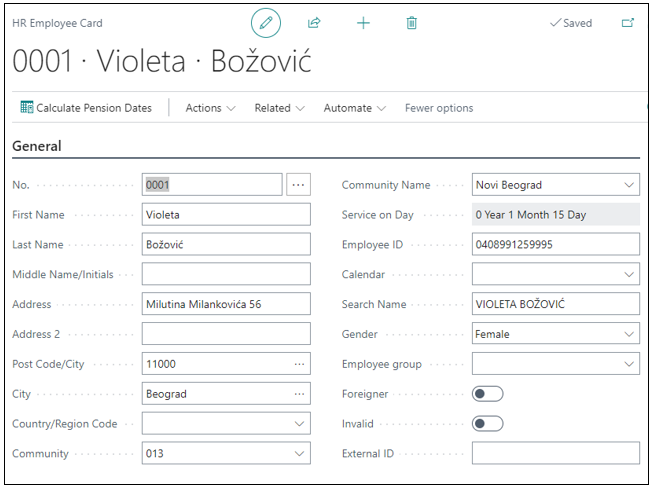
The General tab contains the following basic information fields: First Name, Last Name, Address, Community Name, Post Code/City, City, Date of Birth, Employee ID, Gender, Employee Group,Foreigner,Invalid, External ID.
1.2. Communication
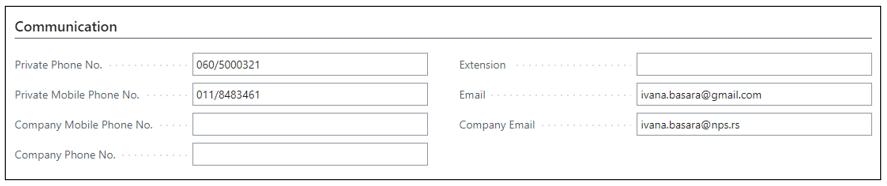
The Communication tab includes fields for entering an employee's contact details. This typically covers email addresses, phone numbers, and emergency contact information.
1.3. Employment
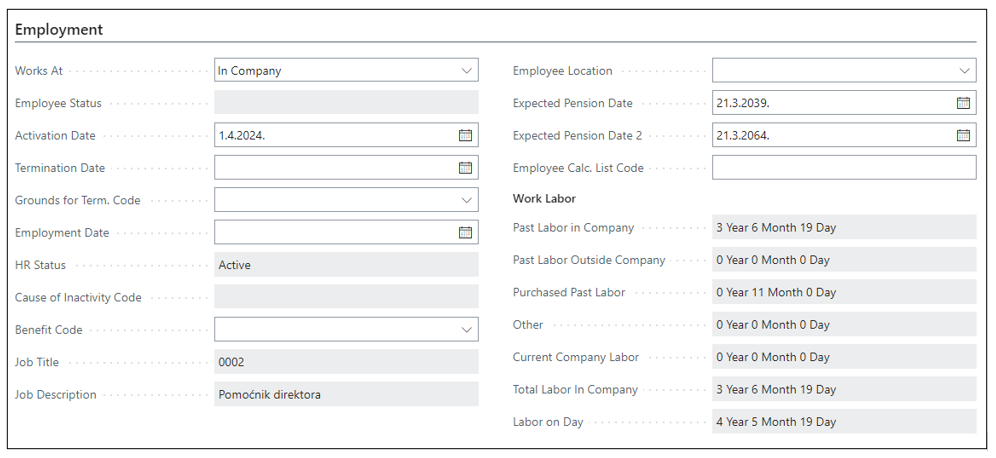
The Employment tab encompasses details about the employee such as status, job title, and work hours. Some data is transferred from the employee's position, while other information is entered manually, and additional details are transferred from the Employee Past Labor page
1.4. Personal
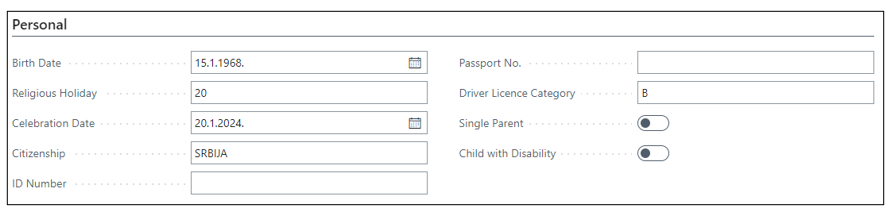
The Persona tab pertains to additional employee details that are not included in the general tab, such as Religious Holidays, Celebration Dates, Citizenship, Passport Number, Driver's License Category, and so forth.
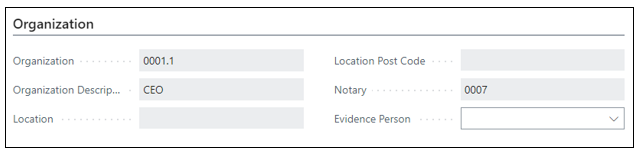
1.5. Organization
Data about the organization is transferred from position to position once all necessary data is entered at the position.
1.6. Transportation
The Transport tab defines the transportation options for the employee. This includes details about the employee's commuting arrangements and any company-provided transportation services.

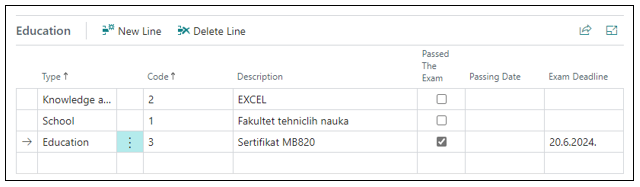
1.7. Education
Tab education enables tracking of employee education, as well as expiration of certificates and licenses.
1.8. Bank Accounts
Enter data about the employee's bank account.

Need more help?